Frequently Asked Questions
Everything you need to know about DressFitt and our four creative studios
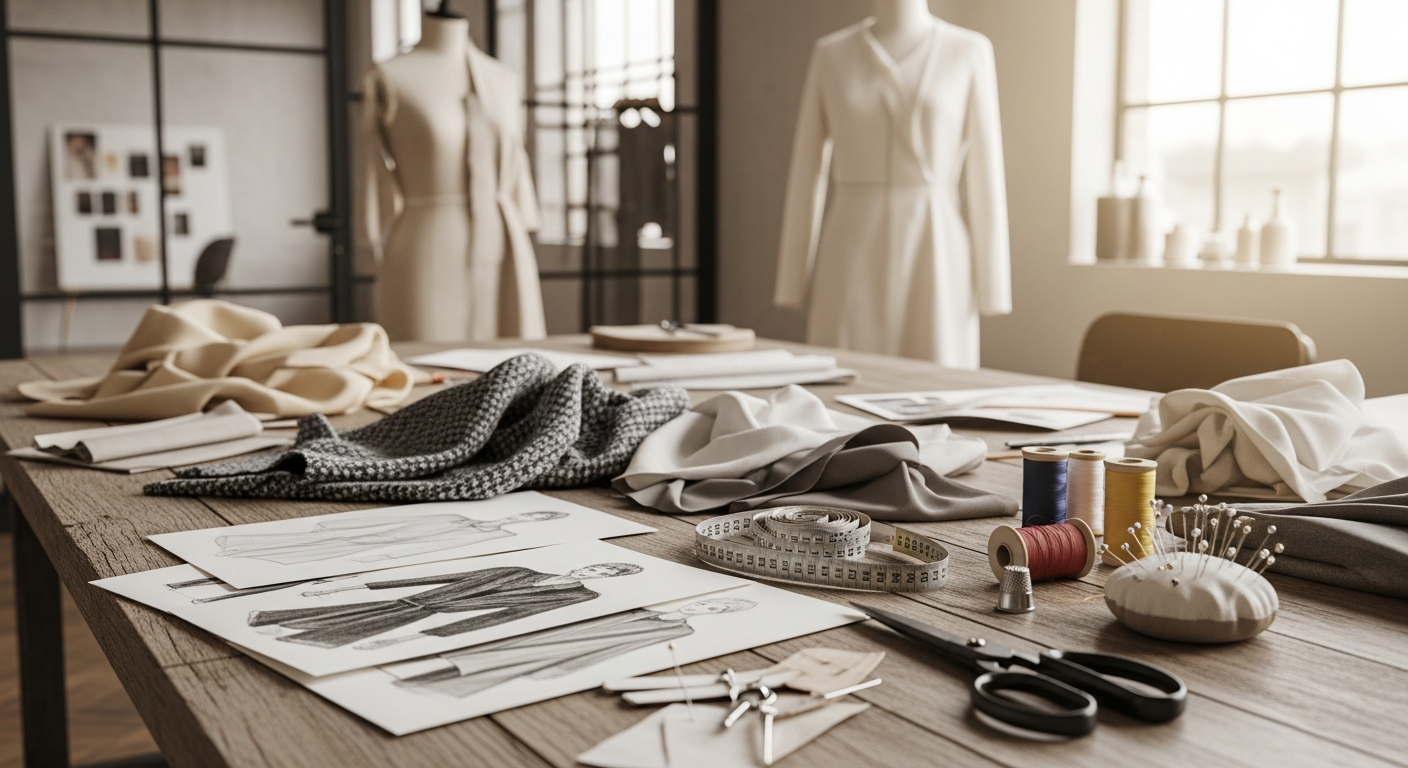
Everything you need to know about DressFitt and our four creative studios. Find answers to common questions below.
Everything you need to know about DressFitt and our four creative studios

Learn the basics of DressFitt and how to start creating amazing content with our AI-powered studios.
DressFitt is an all-in-one AI-powered style and content creation platform featuring four specialized studios. Fashion Studio lets you virtually try on any outfit, Hairstyle Studio helps you preview new hair looks before committing, Video Studio creates stunning short-form videos for social media, and Business Studio generates professional marketing content.
Simply download the app, create an account or continue as a guest, and start exploring! You can upload a photo to try on different outfits in Fashion Studio, experiment with hairstyles in Hairstyle Studio, create videos in Video Studio, or generate marketing content in Business Studio.
Yes! DressFitt is available on iOS, Android, and web browsers. Your account syncs across all devices, so you can start creating on your phone and continue on your tablet or computer.

Virtually try on any outfit and discover your perfect style with AI-powered fashion visualization.
Upload a photo of yourself, describe the outfit you want to try, and our AI will generate a realistic image of you wearing that outfit. You can try any style - casual, formal, streetwear, vintage, and more!
You can describe any style of clothing you want to try. While we don't partner with specific brands, our AI can generate clothing that matches various styles and aesthetics you describe.
For best results, use a well-lit photo where your full body is visible, you're facing the camera, and the background is relatively simple. Avoid photos with multiple people or heavy shadows.
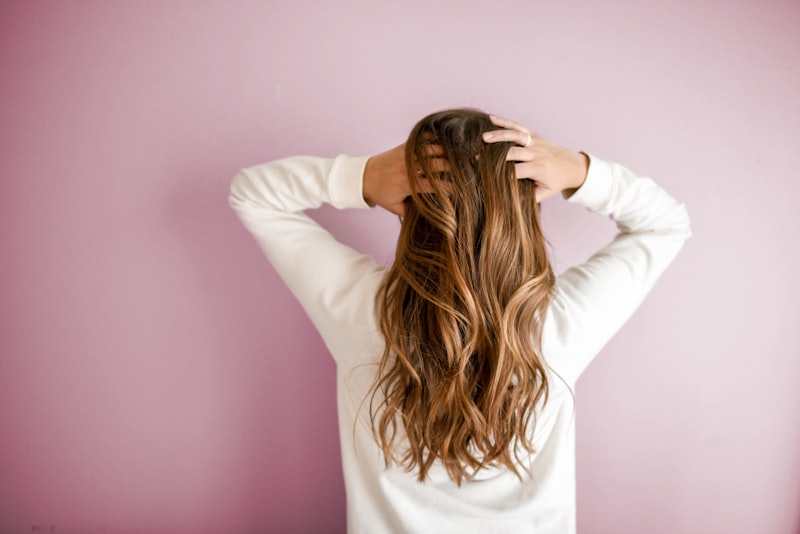
Preview new hairstyles and colors before visiting the salon. Risk-free experimentation.
Upload a photo of your face, select or describe a hairstyle you want to try, and our AI will generate a realistic preview of how you'd look with that hairstyle. Perfect for deciding on a new look before committing!
Absolutely! You can experiment with any hair color - from natural shades like blonde, brunette, and red to bold colors like pink, blue, or purple. Just describe the color you want in your prompt.
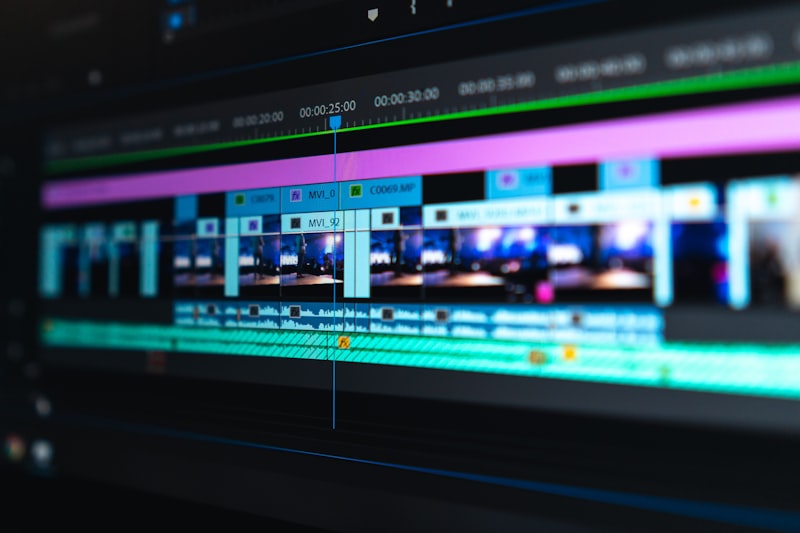
Create stunning short-form videos for social media with AI-powered video generation.
You can create fashion showcase videos, product demonstrations, social media content, promotional clips, and more. Use Text-to-Video to describe a scene, or Photo-to-Video to animate an existing image.
Videos can be 4, 6, or 8 seconds long. These short-form videos are perfect for social media platforms like Instagram Reels, TikTok, and YouTube Shorts.
Each video generation uses credits. Video credits can be purchased separately or are included with Pro subscriptions. Credits never expire, so you can use them whenever you're ready to create.

Generate professional marketing content and product photography for your business.
Business Studio is designed for entrepreneurs and marketers. Create professional product photography, marketing materials, social media content, brand visuals, and promotional images for your business.
Yes! Images generated with DressFitt can be used for commercial purposes, including marketing, advertising, and social media. With a Pro subscription, you get full commercial rights to all your generated content.

Find the perfect plan for your creative needs, from free to Pro.
The free plan includes limited AI generations per month, access to all four studios (Fashion, Hairstyle, Video, Business), basic styles and templates, and the ability to save and share your creations.
Pro subscribers get unlimited AI generations, priority processing, exclusive premium styles, higher resolution outputs, commercial usage rights, advanced editing tools, and early access to new features.
Yes, you can cancel your subscription at any time. Your Pro benefits will continue until the end of your current billing period. We also offer a 7-day money-back guarantee for new subscribers.
We accept all major credit cards (Visa, Mastercard, American Express), debit cards, Apple Pay, and Google Pay. All payments are processed securely through Stripe.

Your data is protected. Learn how we keep your photos and information secure.
Absolutely. We take your privacy seriously. Your photos are encrypted during transmission and storage. We never share your personal data or images with third parties. You can delete your data at any time.
Photos you upload are processed immediately and stored securely in your account. You have full control over your data and can delete individual photos or all your data at any time from Settings.
No, we do not use your personal photos to train our AI models. Your photos are only used to generate the content you request and are never shared or used for any other purpose.

Get help with common issues and learn how to get the most out of DressFitt.
AI generation typically takes 10-30 seconds depending on complexity. During peak times, it may take slightly longer. Pro subscribers get priority processing for faster results.
Try using a clearer photo with better lighting, be more specific in your description, or try regenerating. Our AI improves with detailed prompts. If issues persist, contact our support team.
Yes! You can regenerate with different prompts, adjust settings, or use our editing tools to fine-tune your creations. Pro subscribers have access to advanced editing features.
You can reach our support team via email at support@dressfitt.com or through the Help & Support section in the app. We typically respond within 24 hours.
First, try signing out and signing back in. If the problem persists, clear the app cache in Settings, or reinstall the app. For account-specific issues, contact our support team with your account email.
If you're not satisfied with your purchase, contact our support team within 7 days of your purchase for a full refund. Include your account email and purchase details in your request.